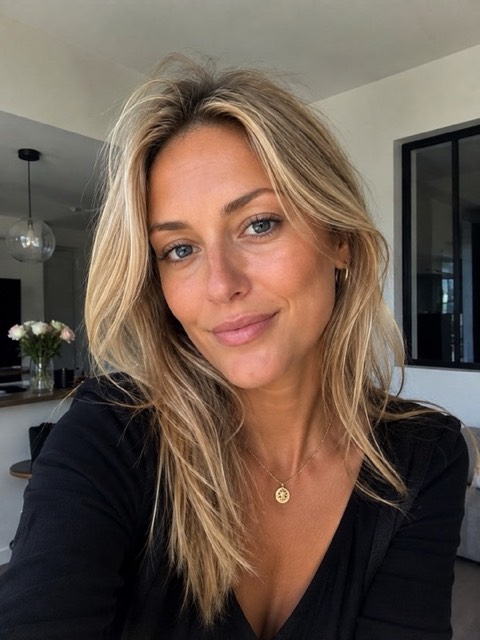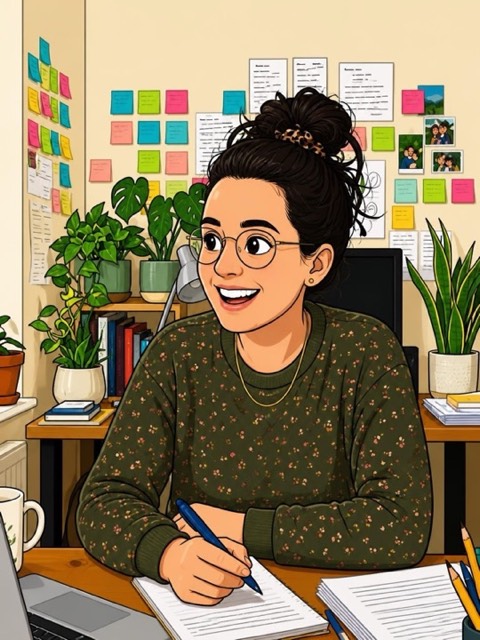
Cartoon · 21 styles

Turn your photo into a cartoon

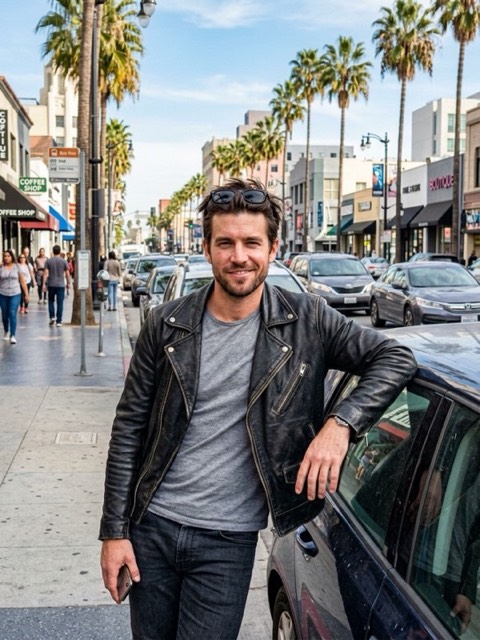
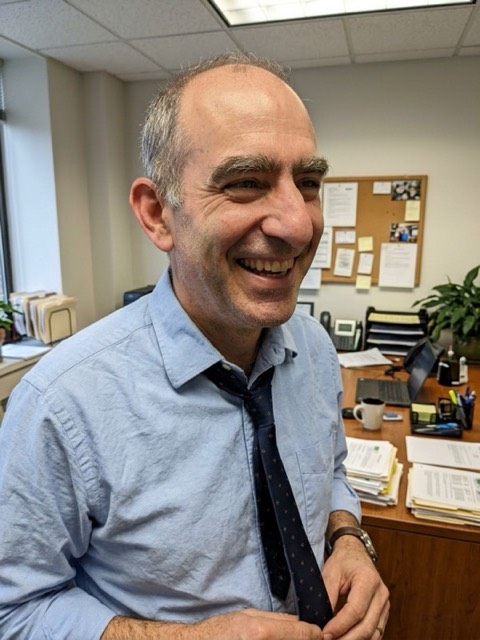
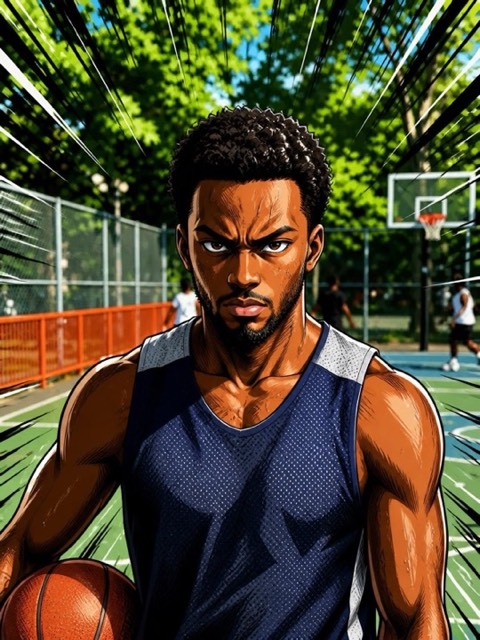
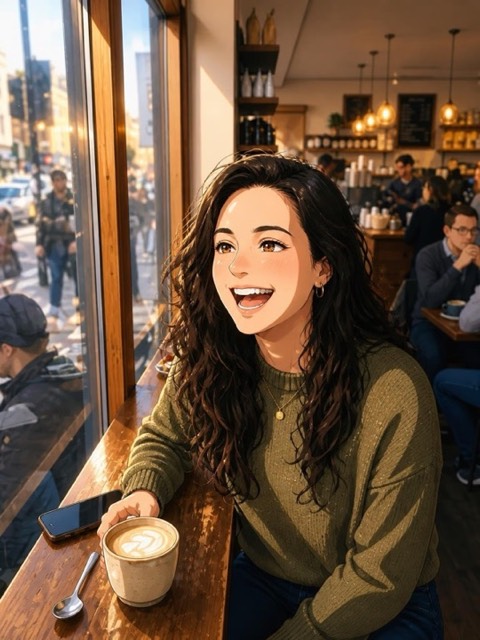
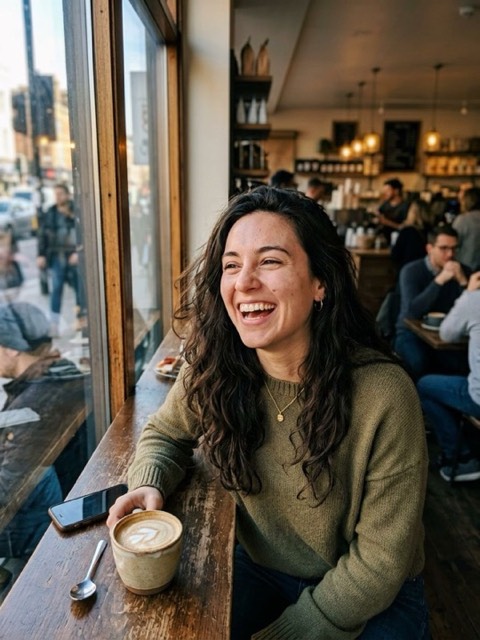
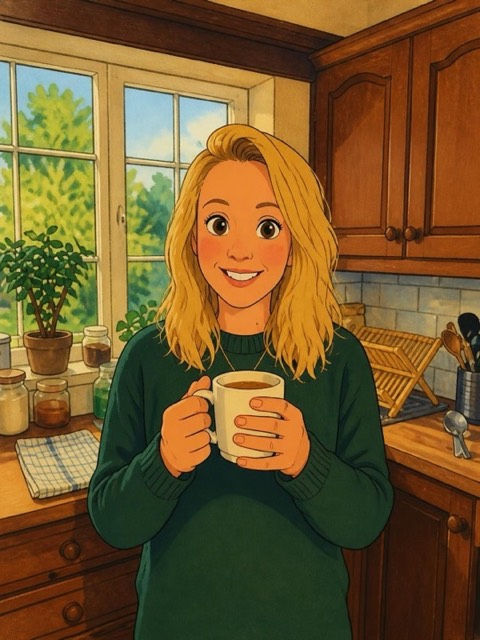
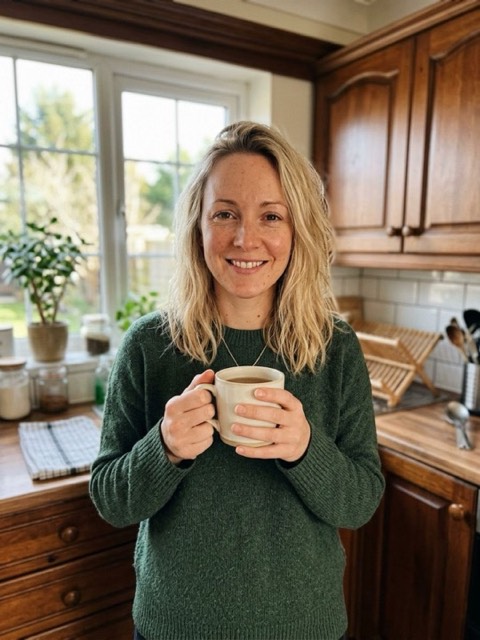
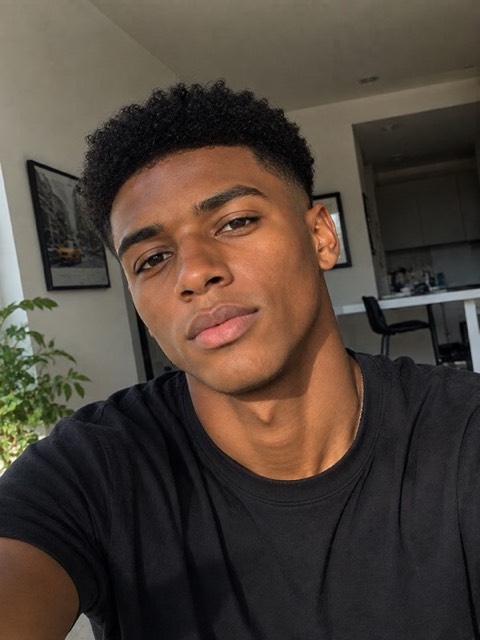
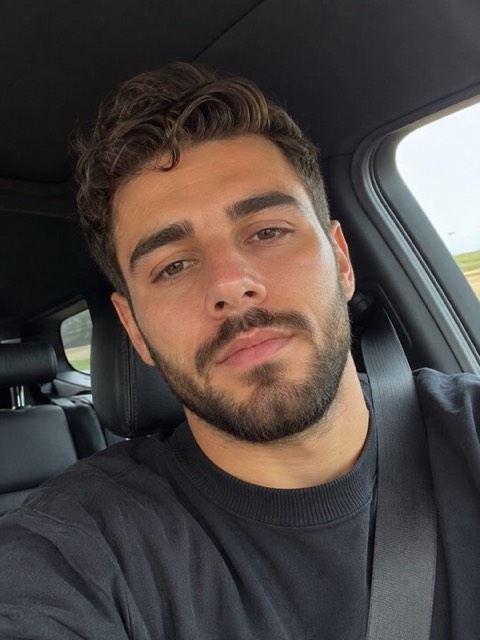
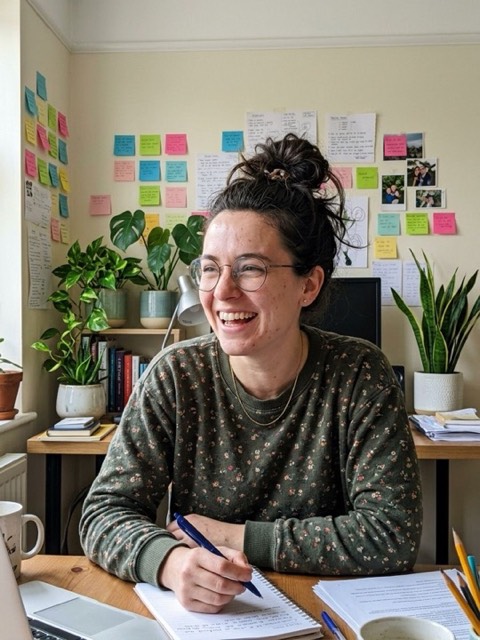
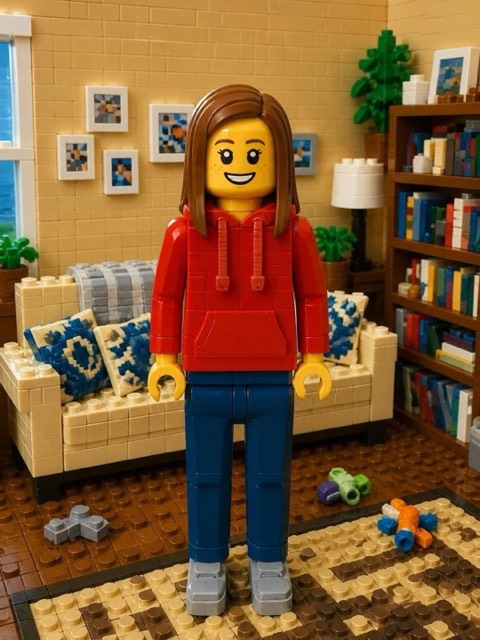
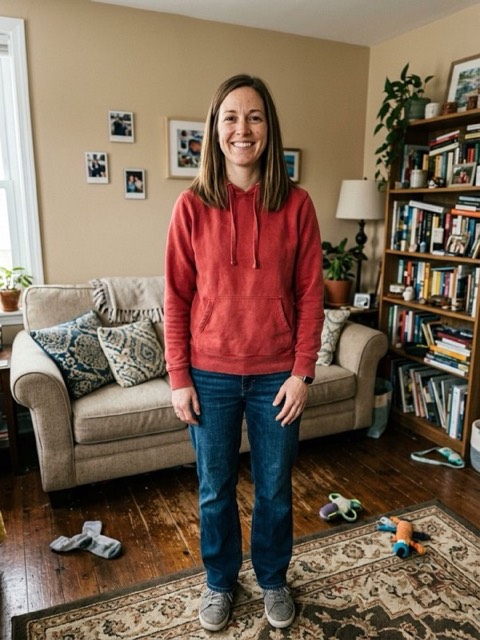
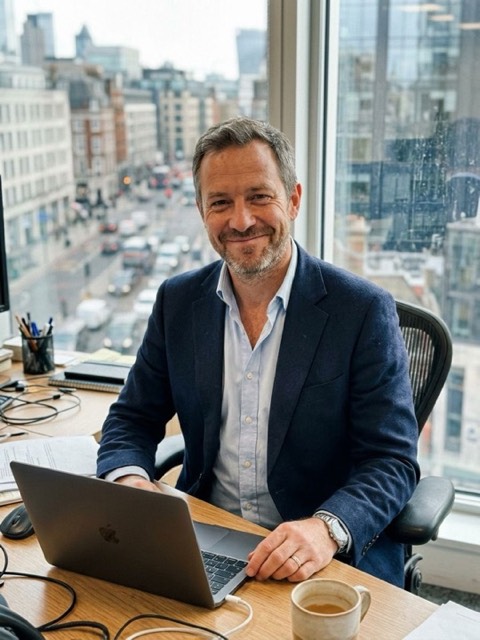
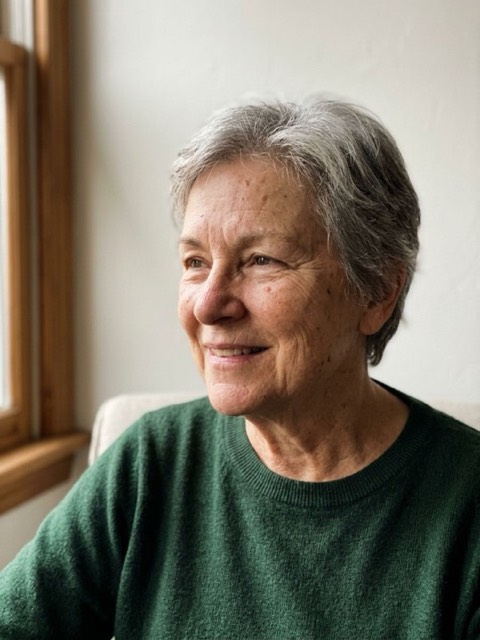
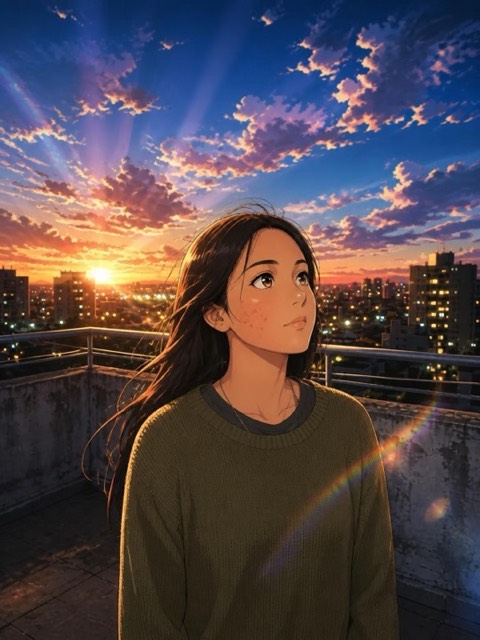
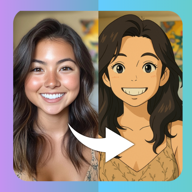
Upload a selfie and PicToon redraws it as a real cartoon character — not a filter slapped on top of your face. The AI rebuilds your portrait line by line in the style you pick, keeping your features recognisable while changing everything else: shading, colours, proportions, background.

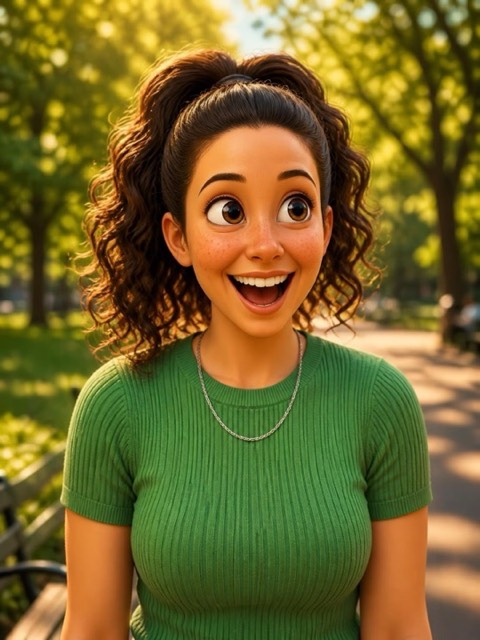
Pick modern anime for a clean Japanese look, 3D animation for a Pixar-style render, manga for inked black and white, or comics for bold American panels. Every result comes back in a few seconds, in high resolution, ready to use as a profile picture or to share with friends.

Download on theApp Store
4.6 · 98 ratings

Free to download · 3-day free trial · iPhone, iOS 15.0+

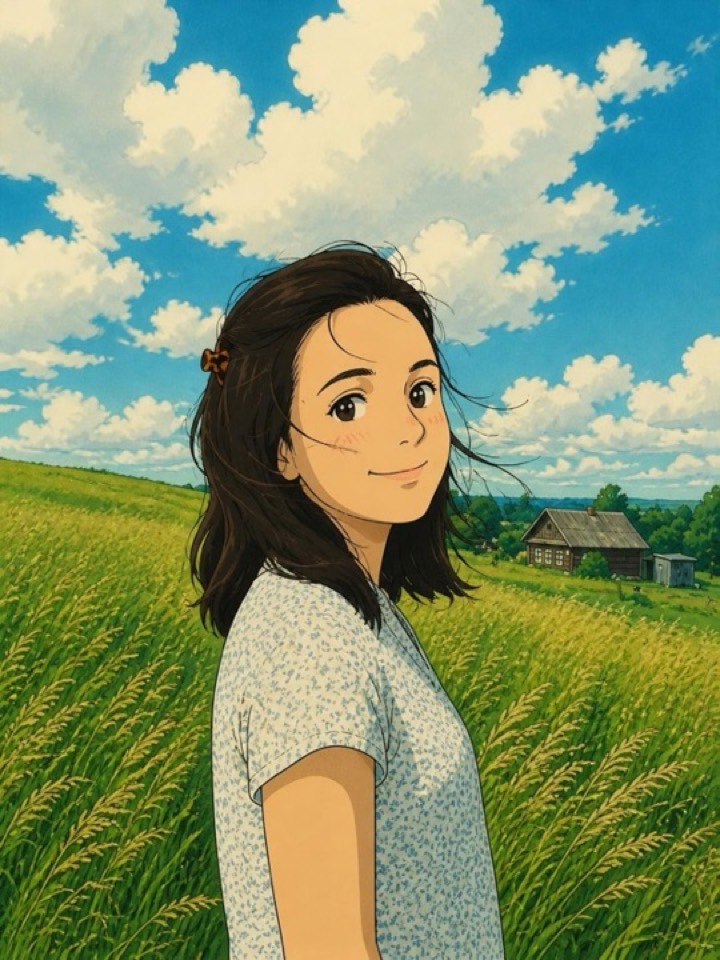
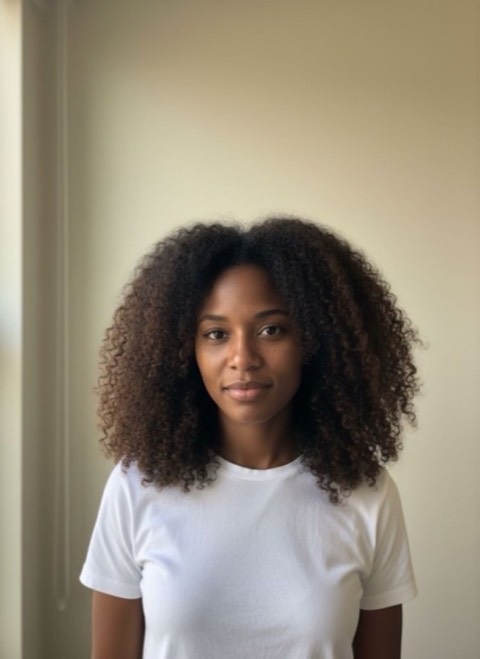
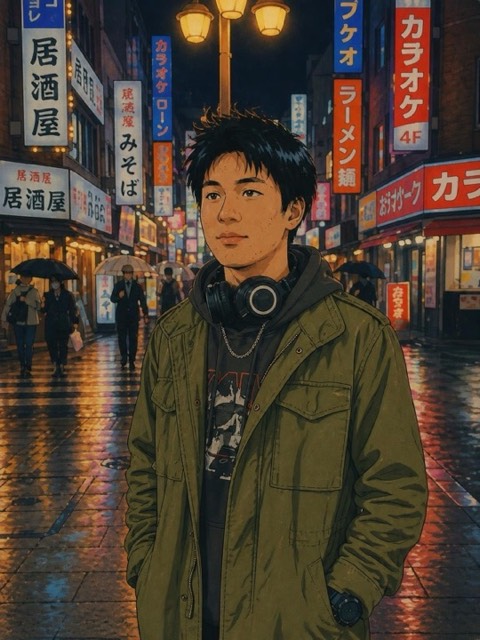
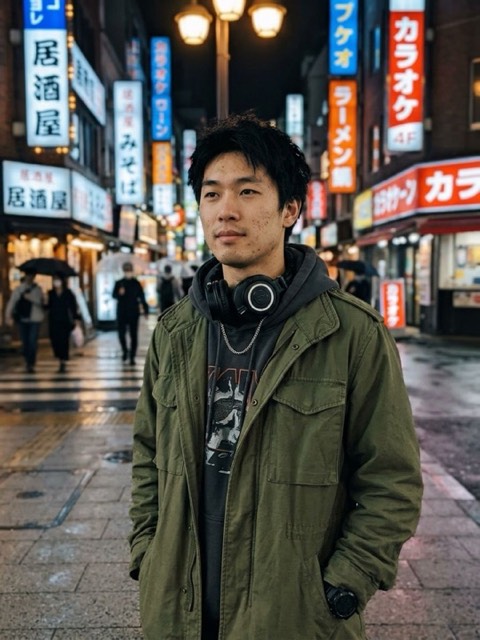
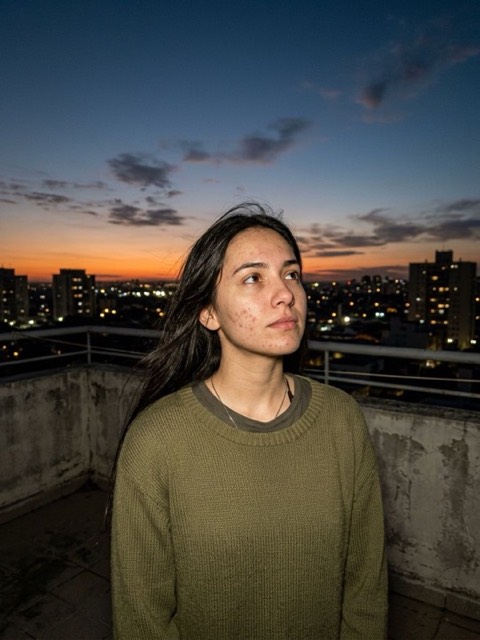
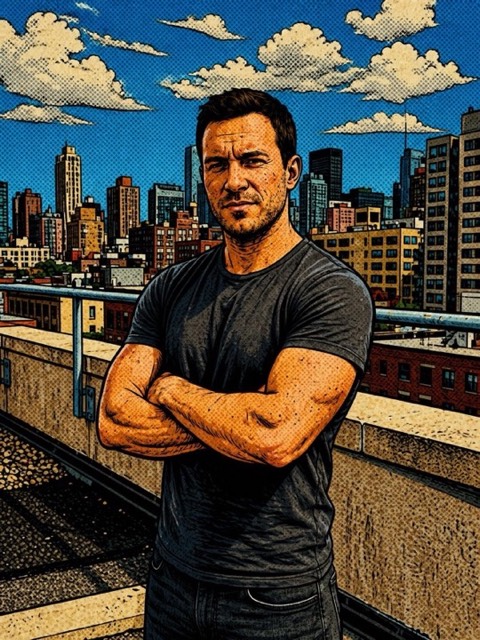
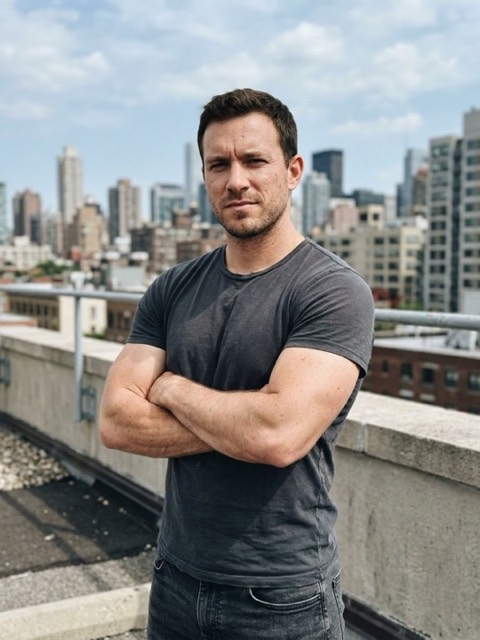
Original photo before the Japanese AI transformation The same photo transformed with the Japanese style in PicToon
OriginalJapanese

Japanese

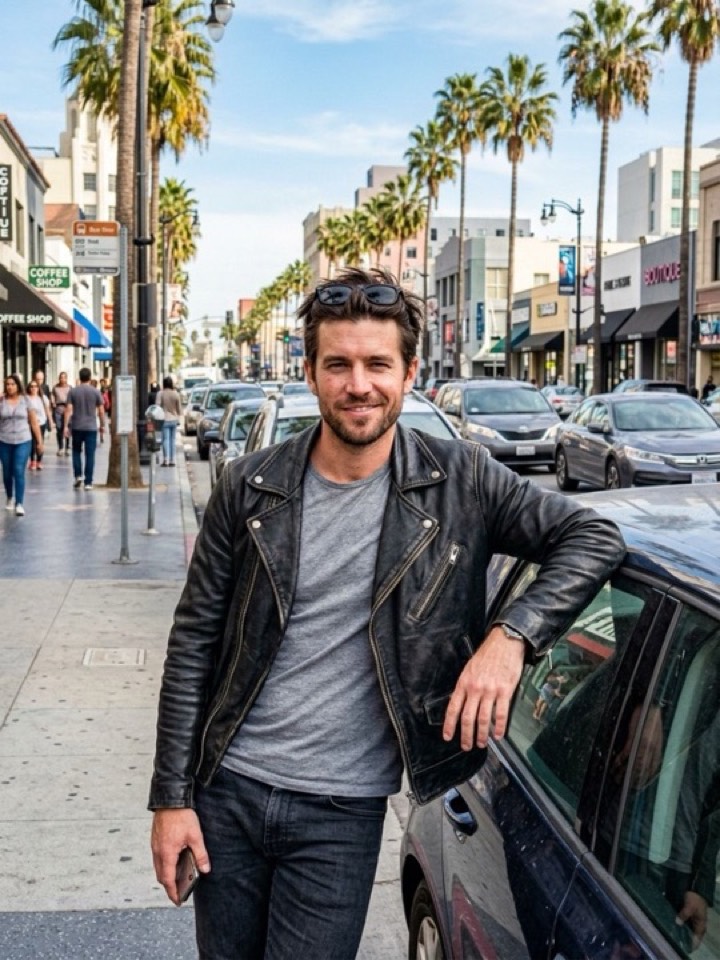
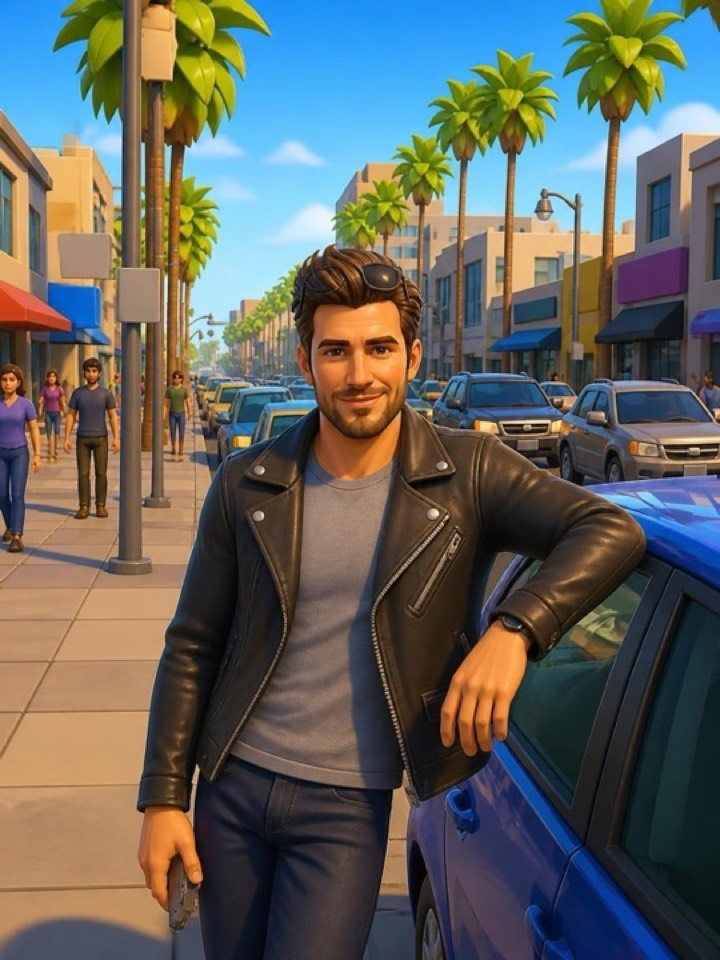
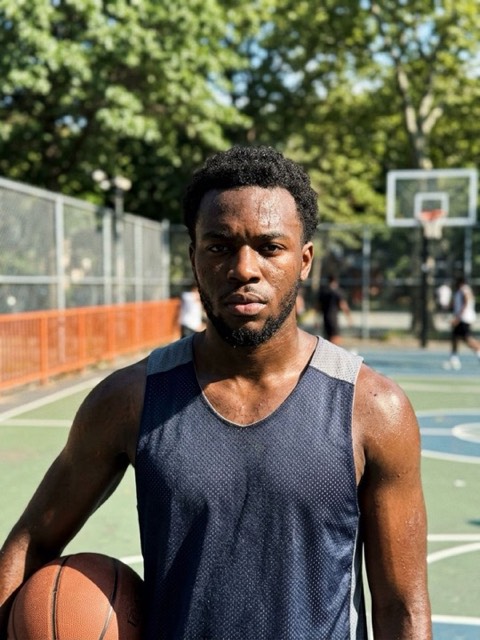
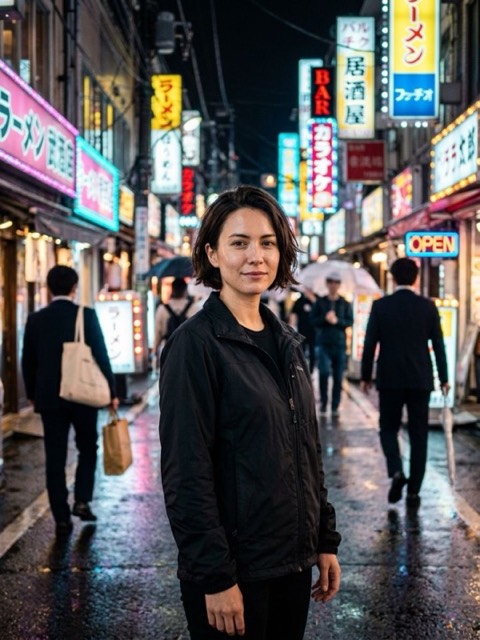
Original photo before the Video Game AI transformation The same photo transformed with the Video Game style in PicToon
OriginalVideo Game

Video Game

All 21 cartoon styles

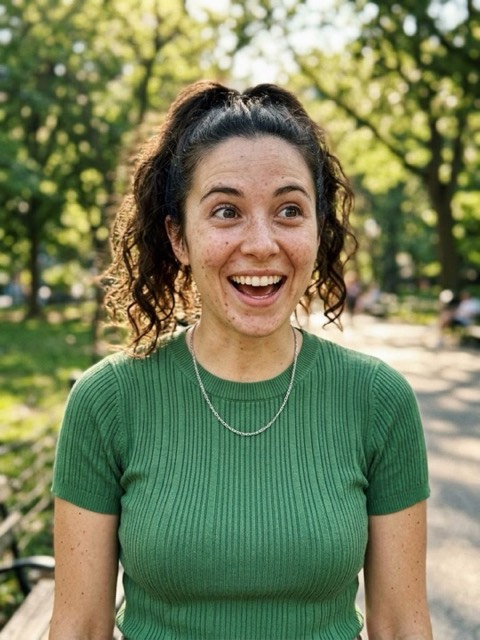
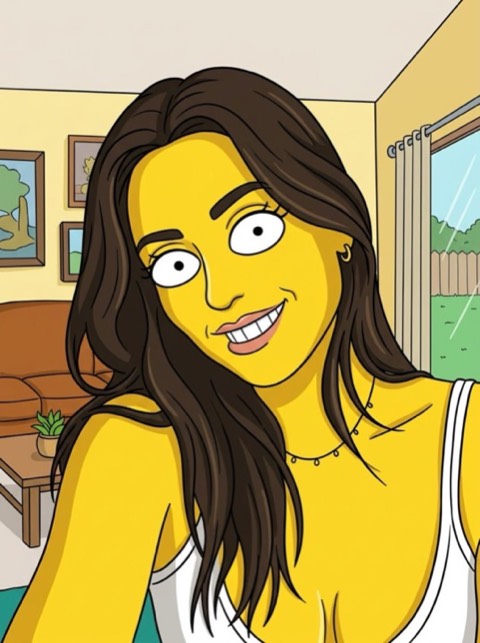
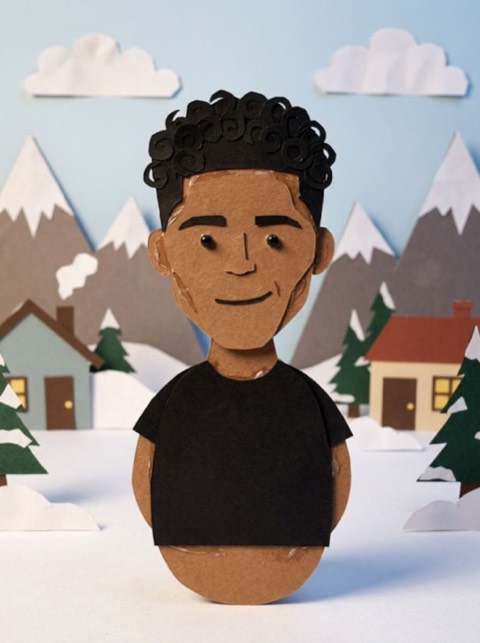
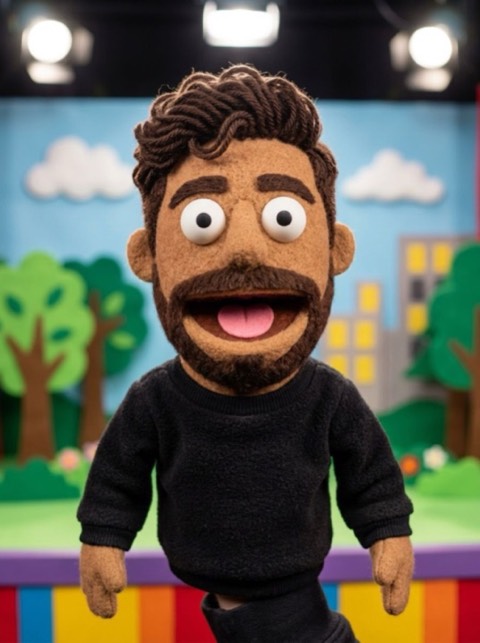
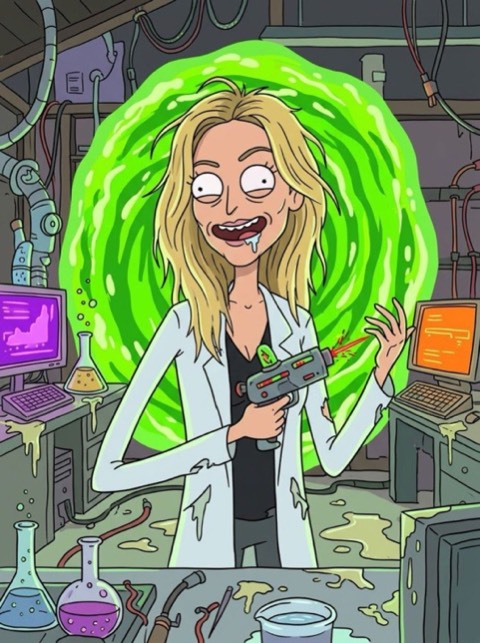
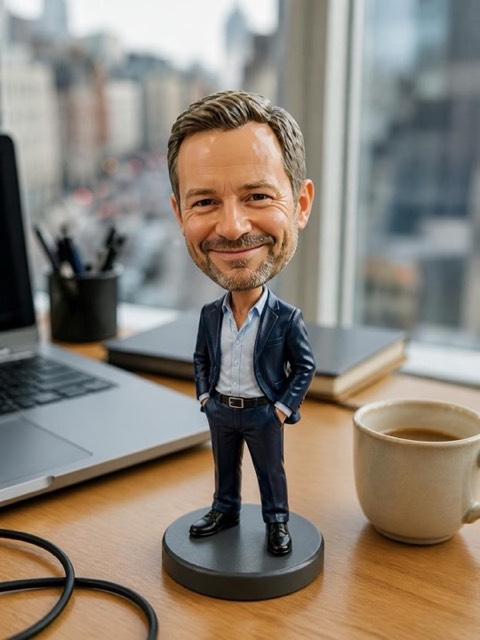
Japanese, Video Game, 3D animation, Caricature, Shonen, Anime, Classic Animation, Fairytale Royalty, Yellow Cartoon, Paper Cutout, Puppet, Sci-Fi Cartoon and more. Hover or tap a result to see the photo it started from.
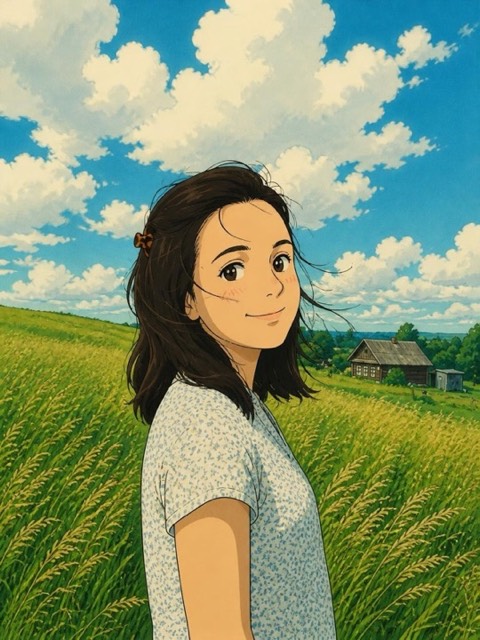

Japanese style generated from a photo with PicToonPhoto before the Japanese transformation
OriginalJapanese
Video Game style generated from a photo with PicToonPhoto before the Video Game transformation
OriginalVideo Game
3D animation style generated from a photo with PicToonPhoto before the 3D animation transformation
Original3D animation
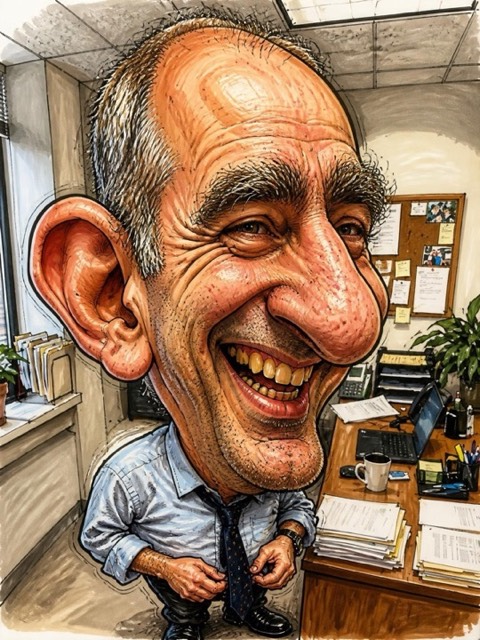
Caricature style generated from a photo with PicToonPhoto before the Caricature transformation
OriginalCaricature
Shonen style generated from a photo with PicToonPhoto before the Shonen transformation
OriginalShonen
Anime style generated from a photo with PicToonPhoto before the Anime transformation
OriginalAnime
Classic Animation style generated from a photo with PicToonPhoto before the Classic Animation transformation
OriginalClassic Animation
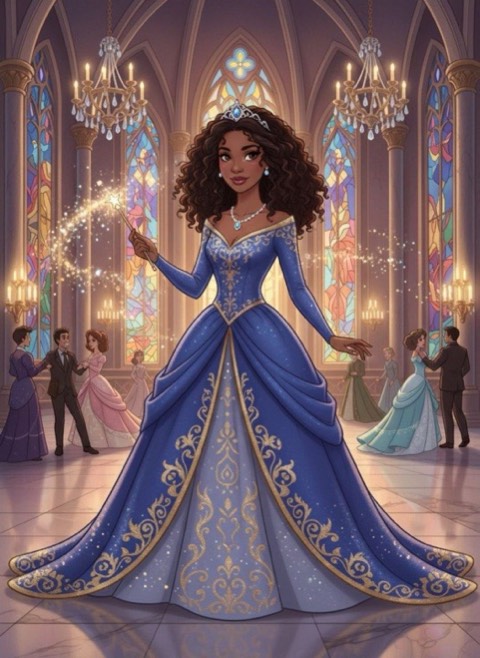
Fairytale Royalty style generated from a photo with PicToonPhoto before the Fairytale Royalty transformation
OriginalFairytale Royalty
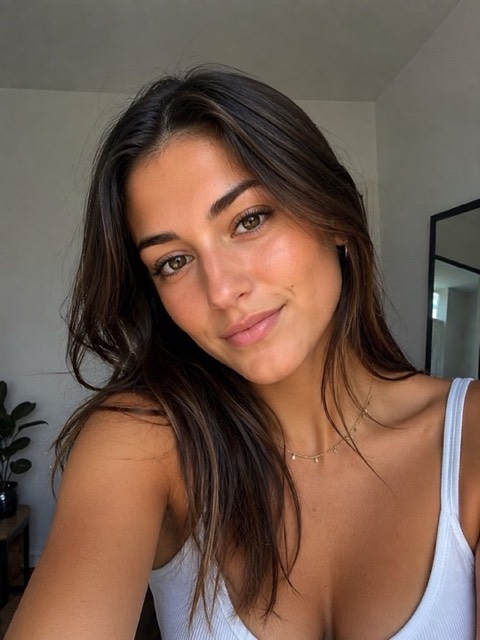
Yellow Cartoon style generated from a photo with PicToonPhoto before the Yellow Cartoon transformation
OriginalYellow Cartoon
Paper Cutout style generated from a photo with PicToonPhoto before the Paper Cutout transformation
OriginalPaper Cutout
Puppet style generated from a photo with PicToonPhoto before the Puppet transformation
OriginalPuppet
Sci-Fi Cartoon style generated from a photo with PicToonPhoto before the Sci-Fi Cartoon transformation
OriginalSci-Fi Cartoon
Retro Anime style generated from a photo with PicToonPhoto before the Retro Anime transformation
OriginalRetro Anime
Modern Cartoon style generated from a photo with PicToonPhoto before the Modern Cartoon transformation
OriginalModern Cartoon
Blocky Toy style generated from a photo with PicToonPhoto before the Blocky Toy transformation
OriginalBlocky Toy
Bobble Head style generated from a photo with PicToonPhoto before the Bobble Head transformation
OriginalBobble Head
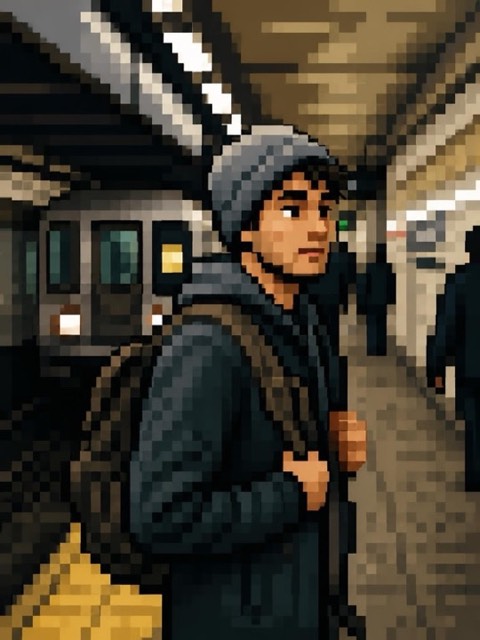
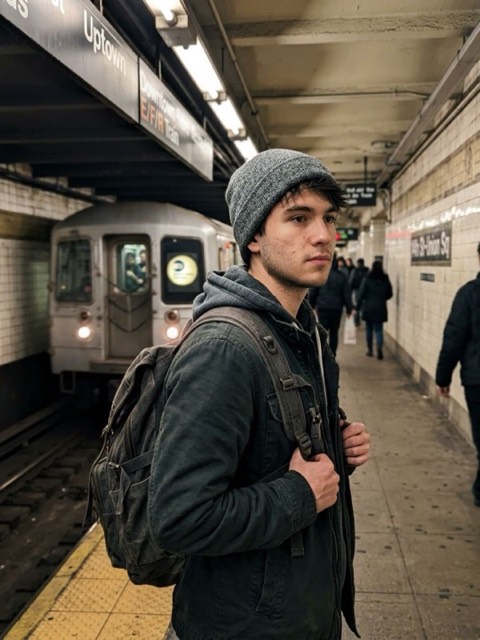
Pixel style generated from a photo with PicToonPhoto before the Pixel transformation
OriginalPixel
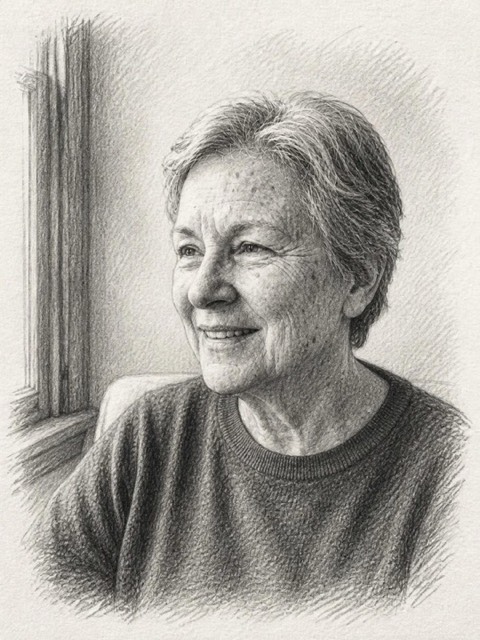
Sketch style generated from a photo with PicToonPhoto before the Sketch transformation
OriginalSketch
Poetic style generated from a photo with PicToonPhoto before the Poetic transformation
OriginalPoetic
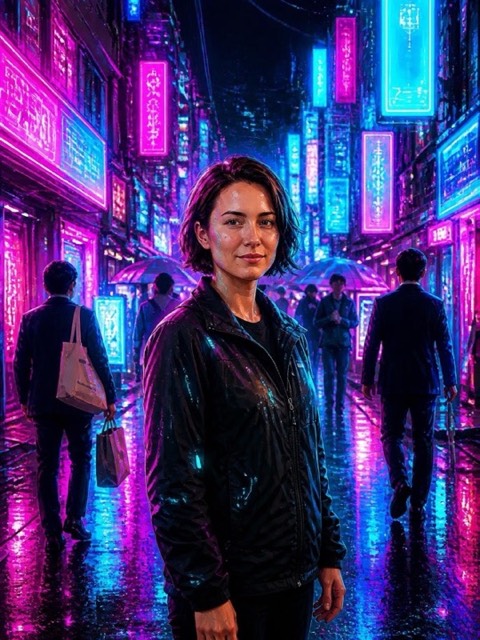
Cyberpunk style generated from a photo with PicToonPhoto before the Cyberpunk transformation
OriginalCyberpunk
Comics style generated from a photo with PicToonPhoto before the Comics transformation
OriginalComics

Cartoon — questions

How do I turn my photo into a cartoon?

Open PicToon, pick the Cartoon category, choose a style like Anime or 3D Animation, then select a photo from your library or take one. The AI returns your cartoon portrait in a few seconds.
Which cartoon style works best for a profile picture?

3D Animation and Modern Anime keep faces the most recognisable, which makes them the safest choice for a profile picture. Manga and Comics are more stylised and work better as a fun post.

Do I need a selfie, or can I use any photo?

Any photo with a clear, well-lit face works. Front-facing shots give the best likeness; group photos and full-body shots also work, but faces need to be large enough in the frame.

Cartoon styles are in the app right now

Free to download, with free generations to try before you subscribe.

Download on theApp Store
4.6 · 98 ratings