 PicToon
Turn any photo into anything
PicToon rebuilds your photo in the style you choose — a cartoon character, a studio portrait, an action figure, a scene in Tokyo, even a short video. 200+ AI styles, results in seconds, no prompt to write.
Free to download · 3-day free trial · iPhone, iOS 15.0+

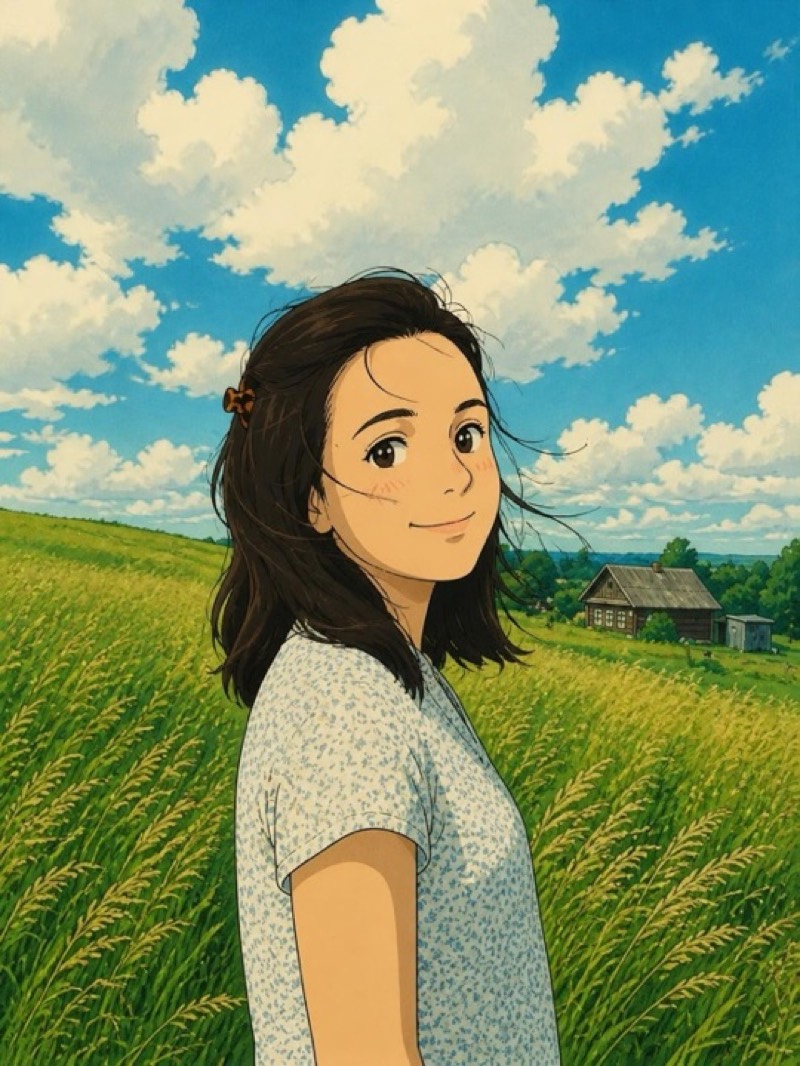
21 categories, 200+ styles
One app instead of ten. Cartoon portraits, dating photos, pet paintings, restored family pictures, AI video — all from the photos already on your phone.
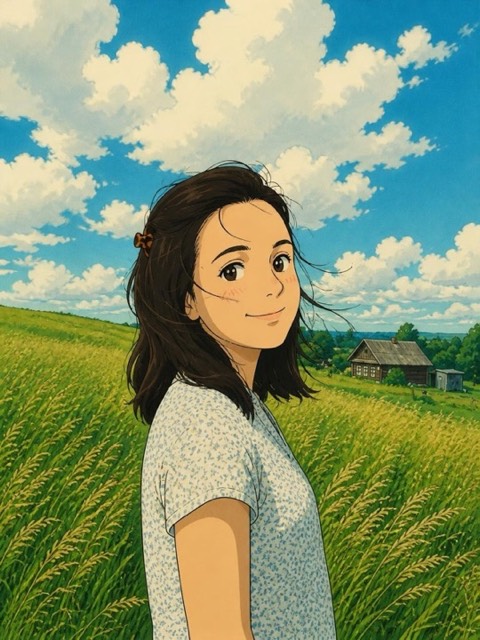 21 styles
Cartoon
Transform your photos with unique filters
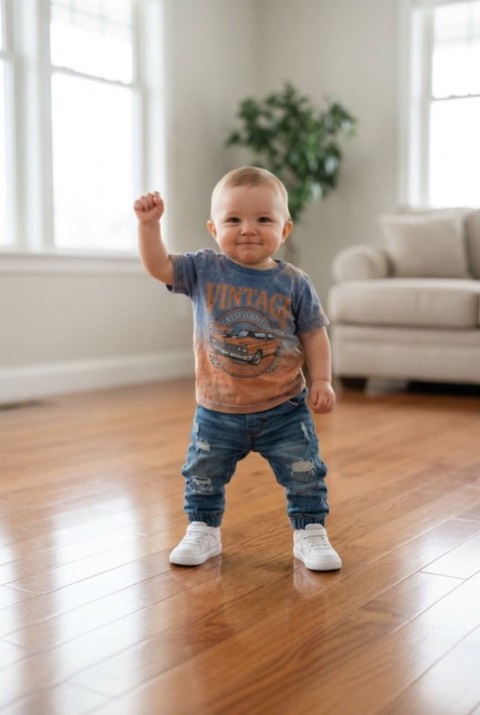 9 styles
Video Effects
Bring your photo to life
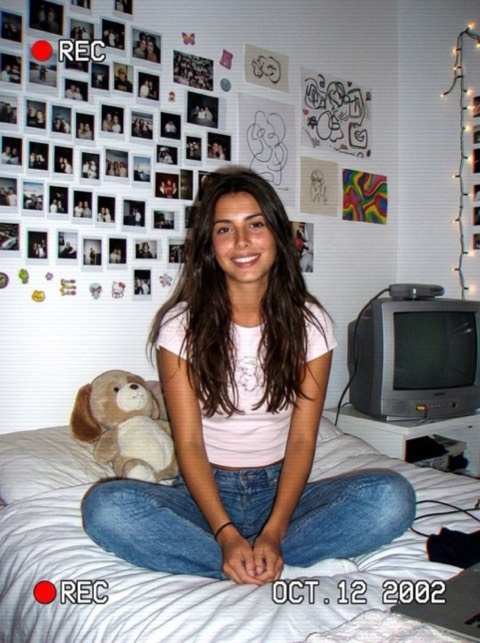 6 styles
Trending
The viral looks everyone is posting
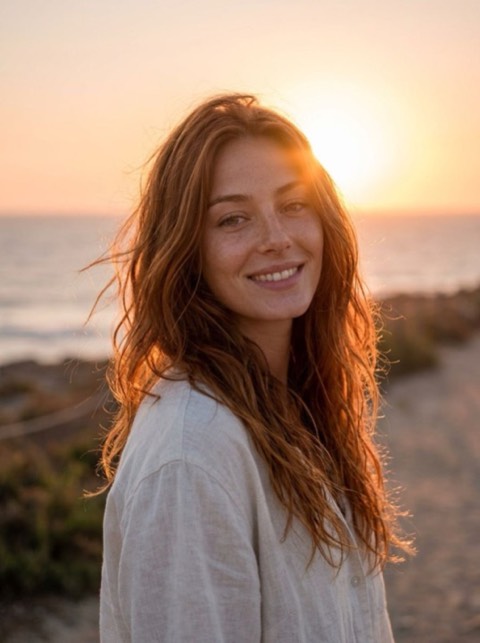 10 styles
Dating Profile
Photos that get more matches
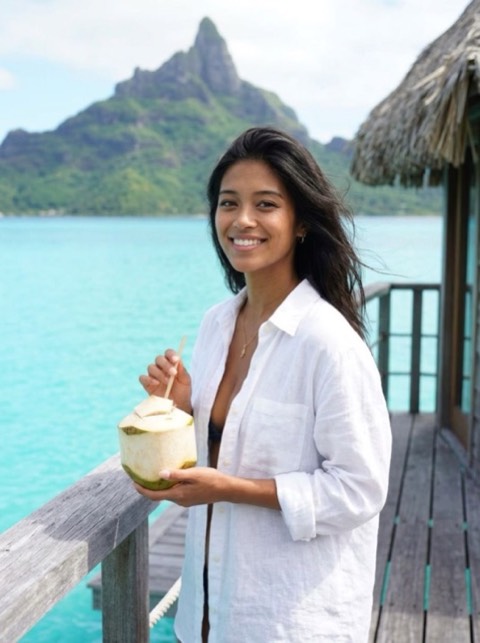 20 styles
Travel
Teleport yourself to dream destinations
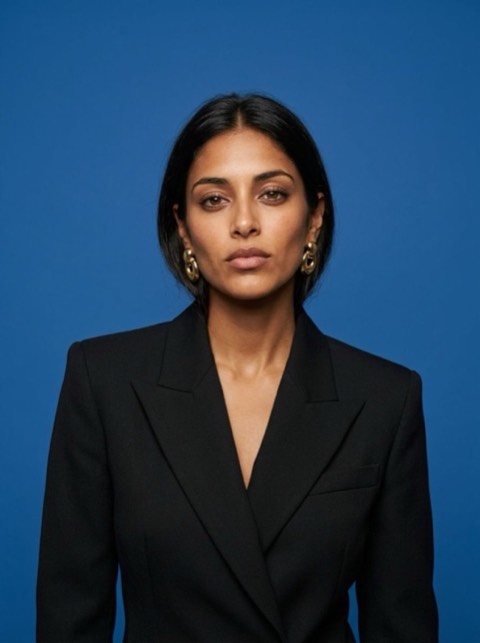 13 styles
Model
Real fashion-industry shots: covers, campaigns, digitals
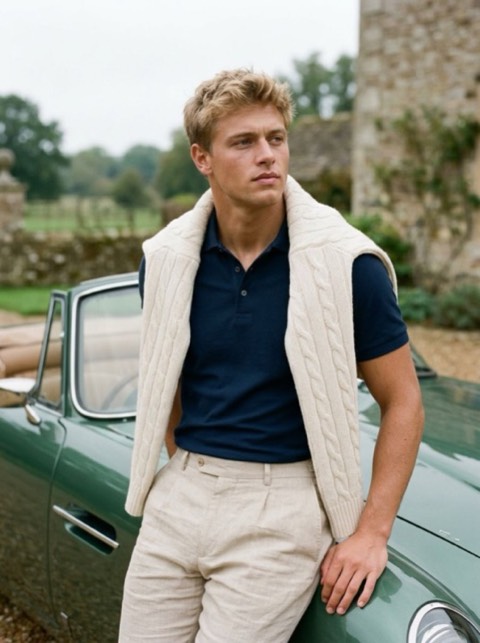 25 styles
Photoshoot
Studio quality portraits
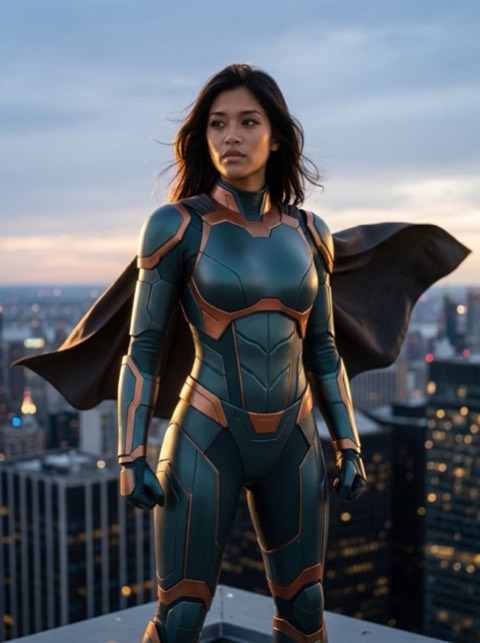 24 styles
Heroes
Embody your favorite characters
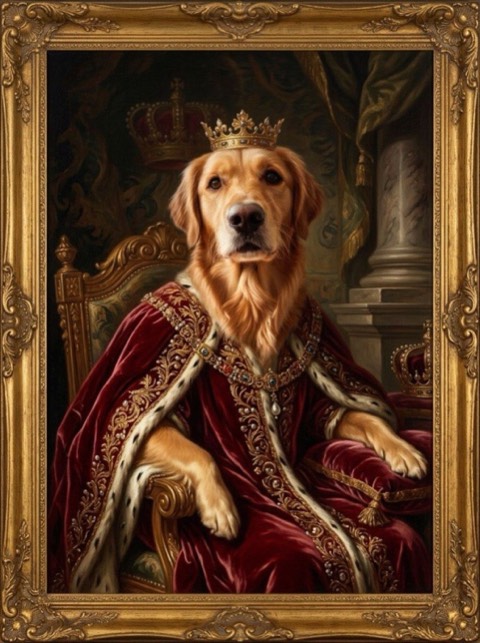 7 styles
Pets
Your pet, but legendary
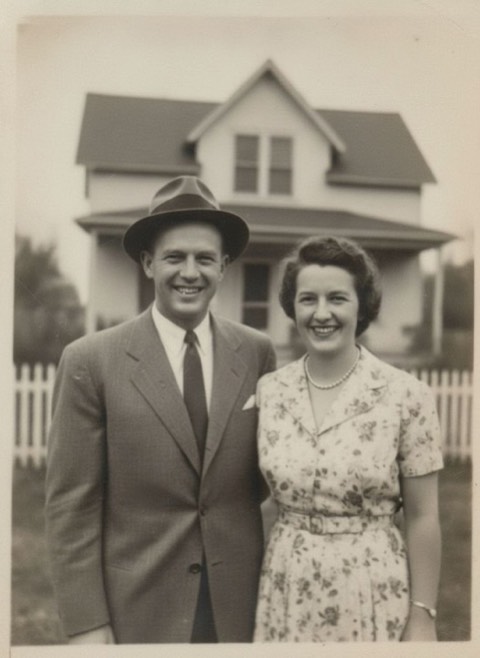 3 styles
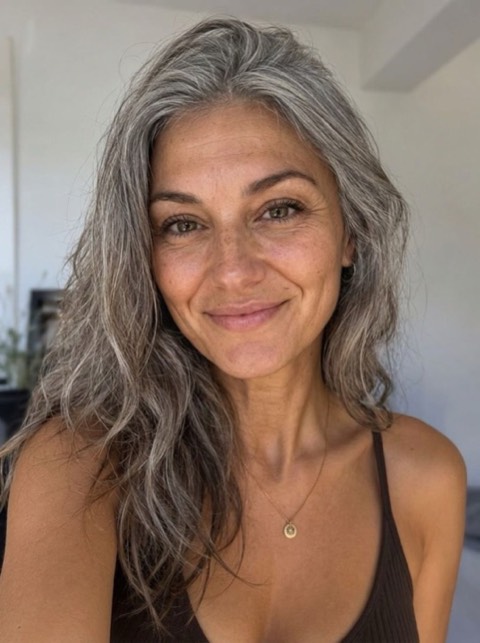
Restore
Bring old photos back to life
 7 styles
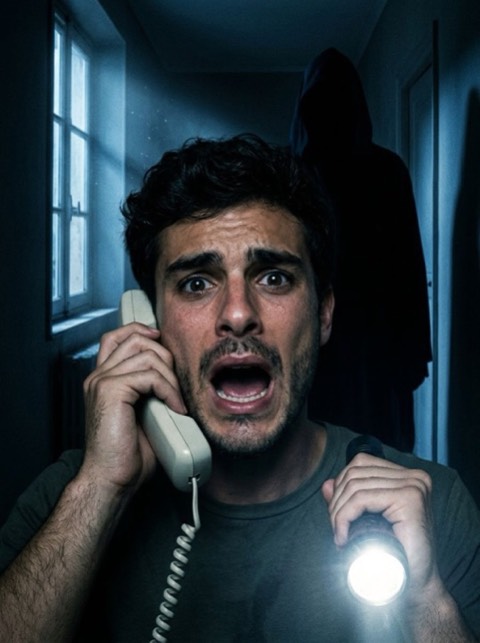
Halloween
Spooky season looks
 5 styles
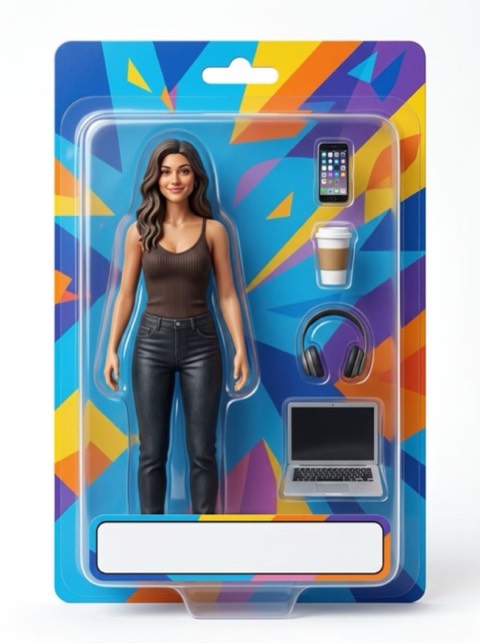
Toys
Turn yourself into a collectible
 9 styles
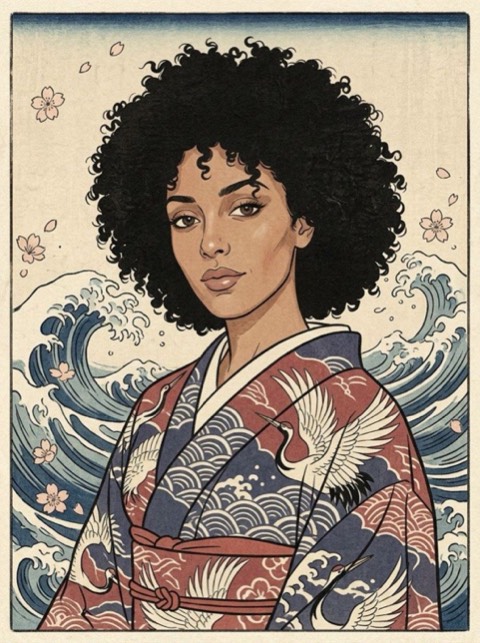
Art
Turn yourself into a work of art
 4 styles
Duo
Two photos, one moving moment
 5 styles
Time Travel
See yourself younger or older
 5 styles
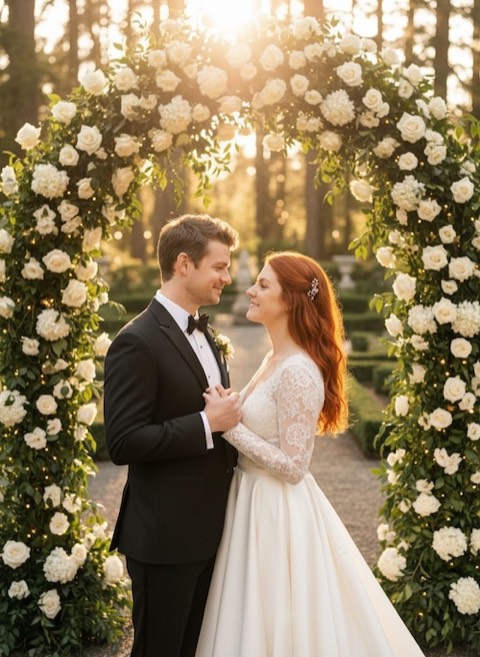
Love
Celebrate love in pictures
 5 styles
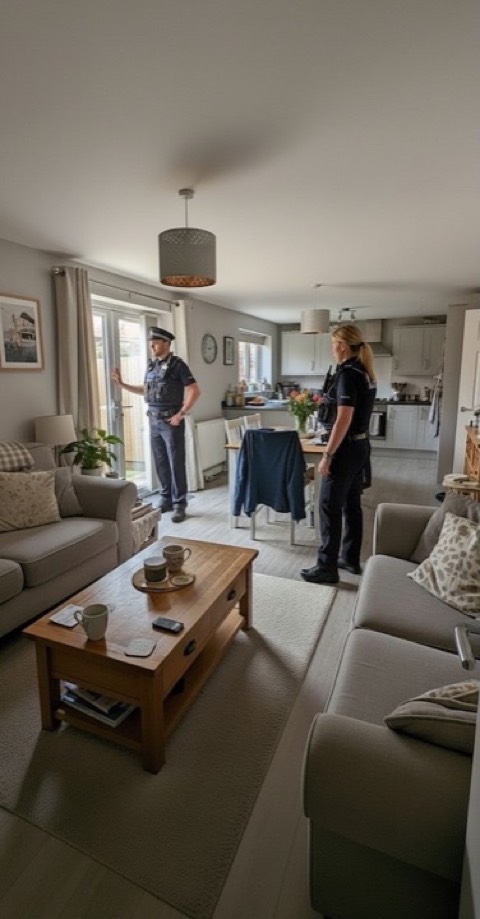
Prank
Play hilarious pranks on your friends
 5 styles
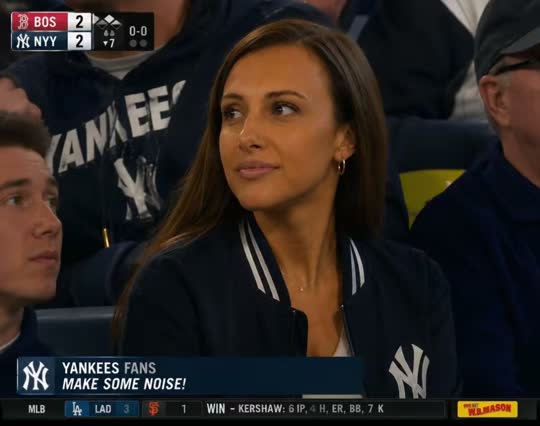
Stadium
Turn your photo into a stadium fan-cam video
 8 styles
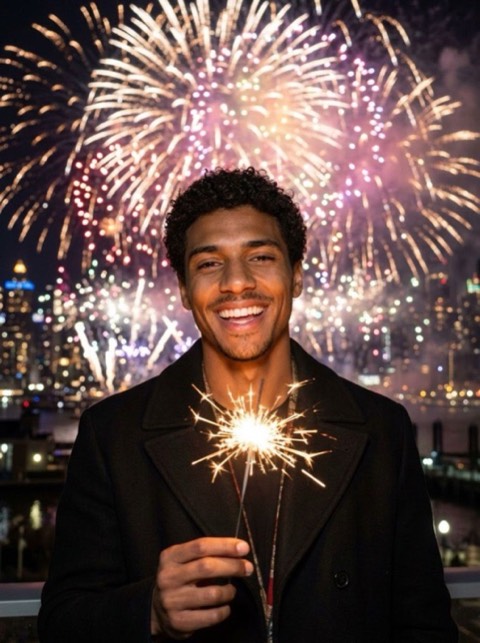
Celebrations
New Year, Easter, birthdays and more
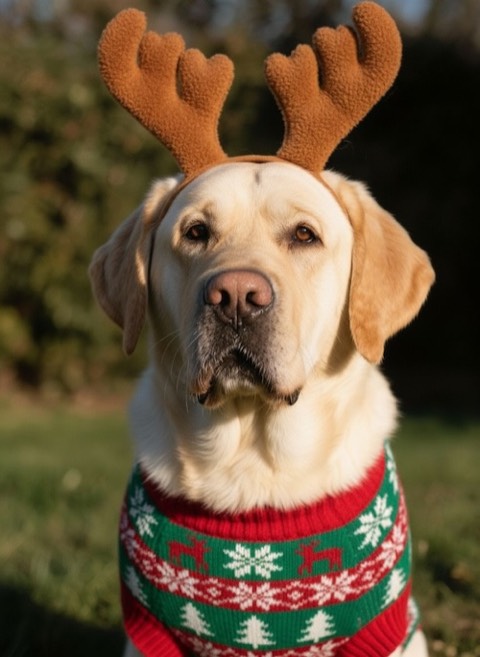 6 styles
Christmas
Dive into the magic of Christmas
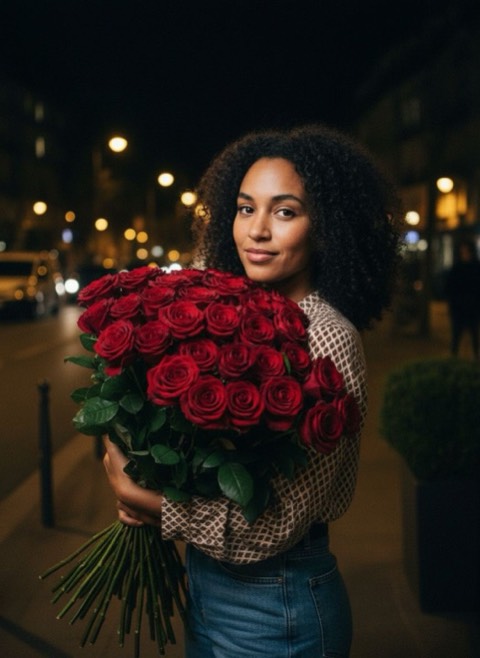 5 styles
Valentine
Romantic transformations for Valentine's Day
Three taps, no prompt
Pick a style
Browse 21 categories and tap the look you want. Every style shows a real before and after, so you know what you are getting.
Choose a photo
Take one, or pick from your library. Some styles take two photos to put two people in the same scene.
Save and share
The result lands in your in-app gallery in a few seconds. Save it to your camera roll or send it straight to Instagram, TikTok or Messages.
The results do the talking
Drag the slider. Every example below was generated in the app from the photo on the left.
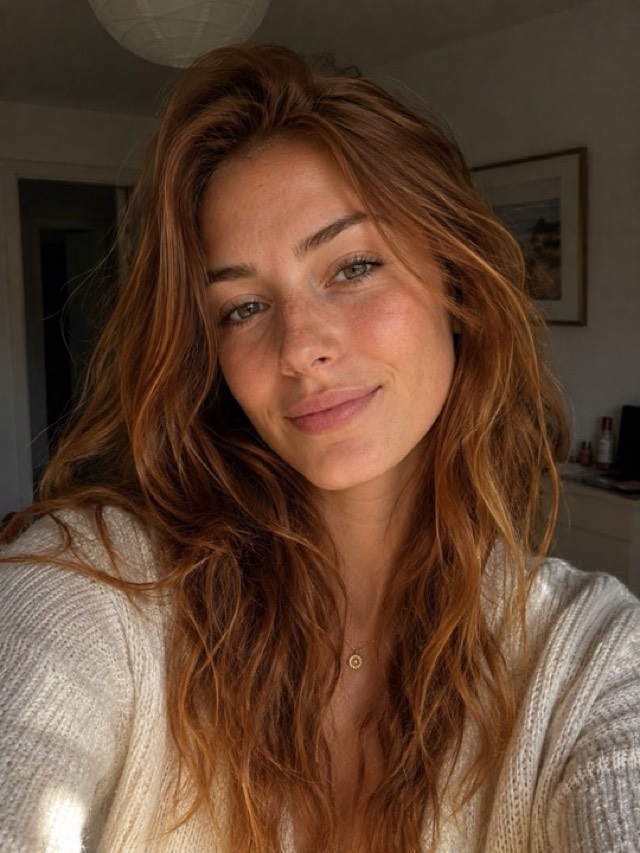
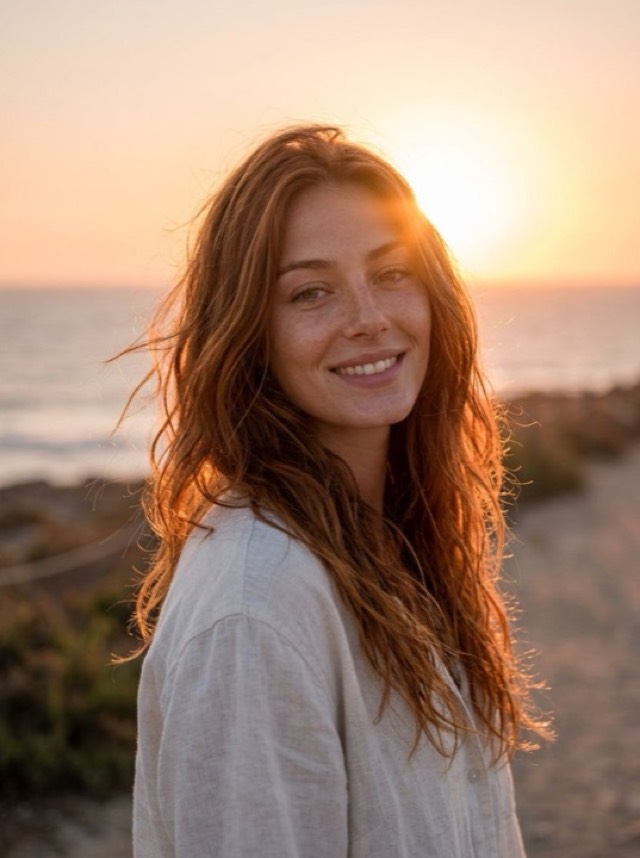
Golden Hour Glow
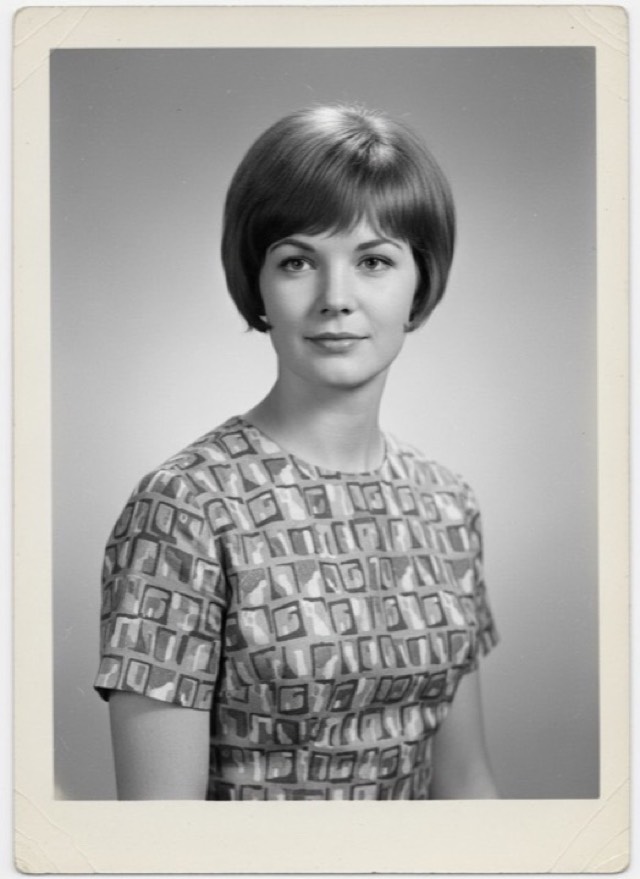
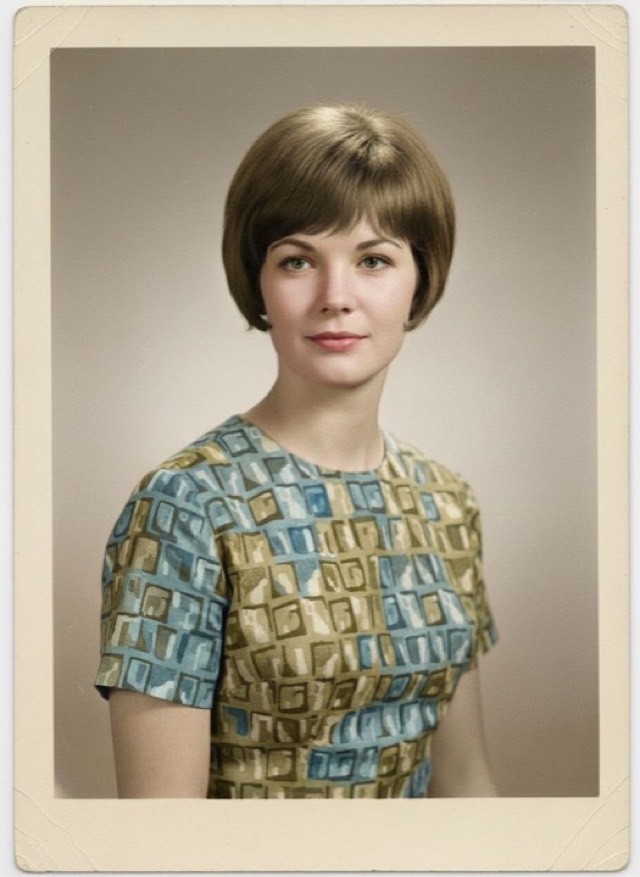
Colorize B&W
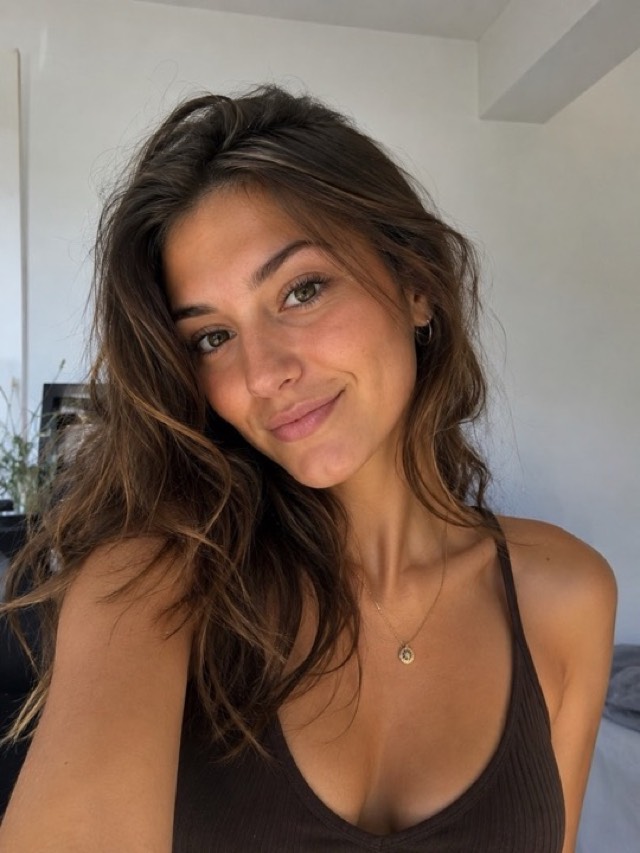
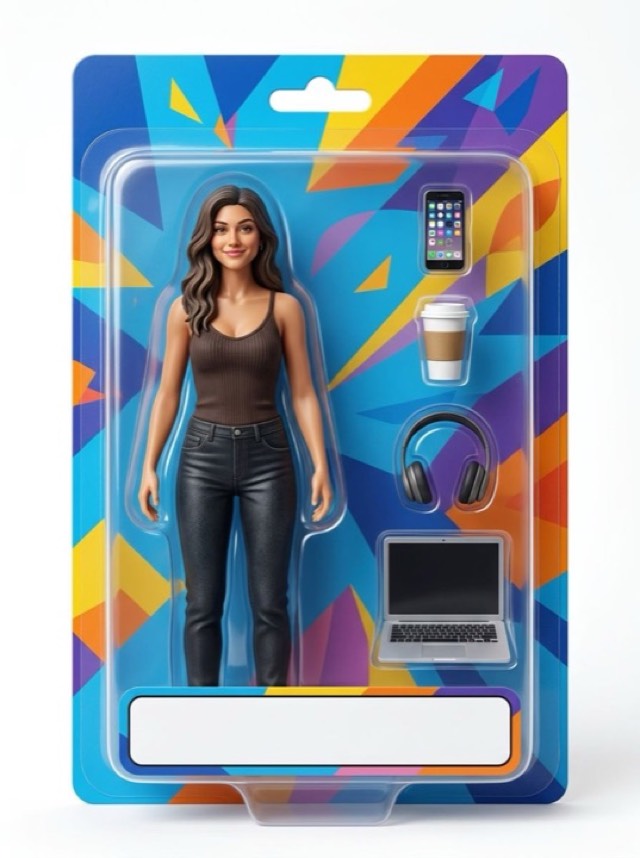
Boxed Action Figure
Built to be used, not configured
200+ styles, one app
Cartoon, photoshoot, costume portraits, pet portraits, travel scenes, photo restoration and AI video — instead of ten single-trick apps.
Results in seconds
Pick a style, pick a photo, done. No prompt to write, no settings to learn, no queue to wait in.
Your face stays your face
The AI rebuilds the scene, the lighting and the wardrobe while keeping the features that make you recognisable.
Photos that move
Turn a still into a short video — a dance, a red carpet walk, a stadium moment — or put two people from two photos into one clip.
No account, no tracking
No sign-up, no profile, no advertising SDK. Your results live in your gallery on your device.
New styles every month
Viral trends land in the Trending category, and seasonal sets appear when they are relevant.
Your next profile picture is already on your phone
Download PicToon free and try it on a photo you took today.
Frequently asked questions
How do I turn a photo into a cartoon?
Download PicToon on the App Store, open a category such as Cartoon, pick a style, then choose a photo from your library or take one. The AI redraws it and hands the result back in a few seconds, ready to save or share.
Is PicToon free?
The app is free to download and includes free generations so you can see the quality before paying. Unlimited access is a subscription with a 3-day free trial, and prices are shown in the App Store and in the app before you commit.
How long does one transformation take?
Most image styles come back in a few seconds. Video styles take longer because a clip is being generated frame by frame, usually under a minute.
What happens to my photos?
Your photo is sent to the AI service that generates the result and is not published anywhere. There is no account to create, no profile, no advertising SDK and no tracking in the app. Results are stored in your gallery on your own device.
Is there an Android version?
Not yet. PicToon is an iPhone app and requires iOS 15.0 or later. It also runs on iPad in compatibility mode.
Can I use the results on social media?
Yes. The images and videos you generate are yours to post, print or send. Keep in mind that generated images of real people should not be presented as genuine photographs of events that did not happen.
How many styles are there?
More than 202 styles across 21 categories, and new ones are added regularly — including seasonal sets for Halloween, Christmas and Valentine's Day.
Do I need an internet connection?
Yes. Generation runs on servers with models far larger than a phone could hold, so an internet connection is required.